Birthday Notifications
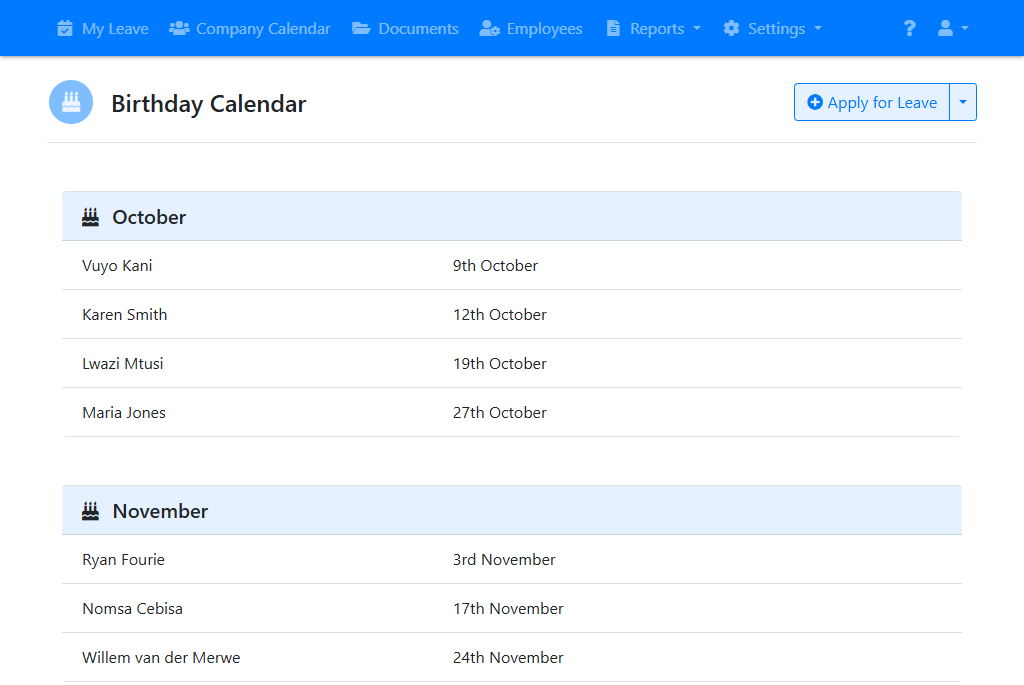
Leave approvers can receive a reminder of their employees’ birthdays, and you can see upcoming birthdays on the birthday calendar.
Birthday reminders
To set up birthday reminders select “Settings -> E-mail Notifications” from the menu at the top of the screen.
In the “Birthday Reminders” section choose when reminders should be sent:
- Send a reminder three days before an employee’s birthday
- Send a reminder on an employee’s birthday
Reminders are sent to each employee’s leave approver. You can also choose up to three other people to receive birthday reminders.
Click “Save Settings”.
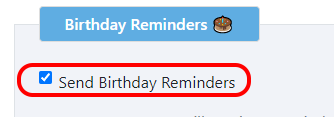
Leave approvers can choose to unsubscribe from these notifications.
Birthday calendar
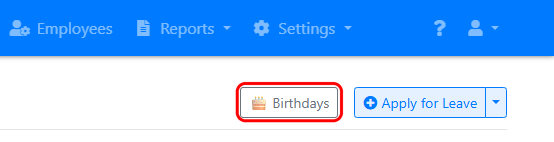
To see upcoming birthdays, go to the “Company Calendar” screen and click the “Birthdays” button.
The birthday calendar lists employees’ birthdays by month.
You can choose who can see the birthday calendar under “Settings -> General Settings”. It can be shown to everyone, to leave approvers and administrators only, or to no one.
On the same screen you can also allow employees to link the birthday calendar to their own calendar, such as Google Calendar or Outlook.
Entering employees’ birthdays
Birthday reminders and the birthday calendar require that you have entered the birthday for each employee.
To enter the birthday for an employee go to the Employees screen and click on their name, then click “Edit Employee”. Enter their birthday and click “Save Employee”.
This feature is only available in LeavePro Plus.