Company Calendar
The company calendar shows who will be on leave in the upcoming months.
This allows you to help plan time off, avoid scheduling conflicts and make sure there are no staff shortages.
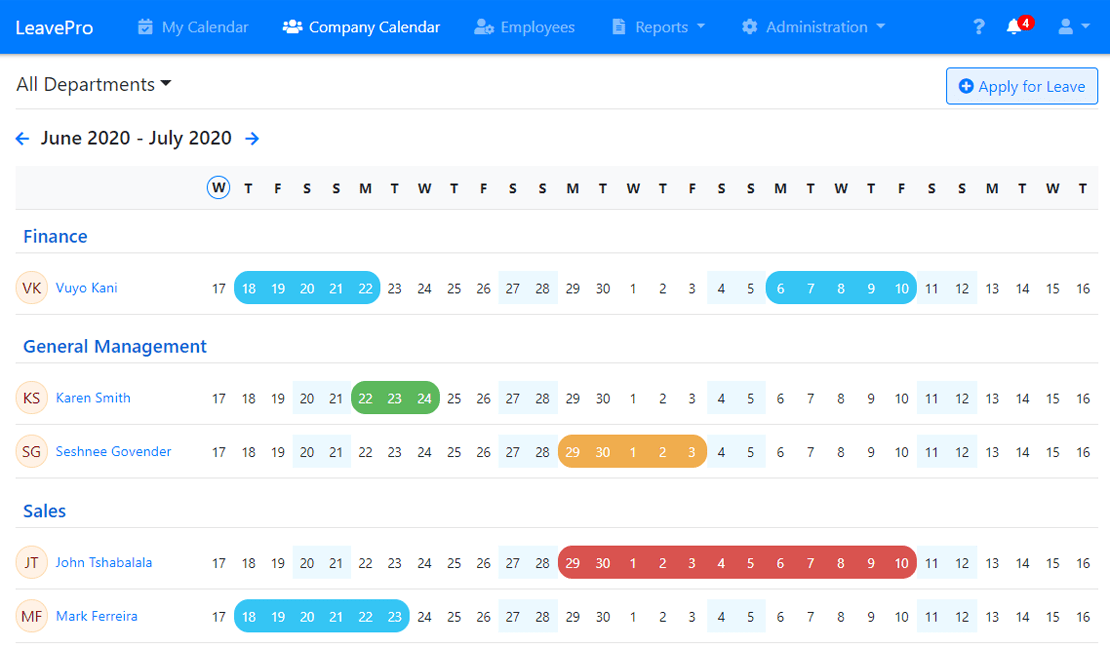
The colours show the type of leave. There’s a key above the calendar.
You’ll see the type of leave for your own leave and for anyone whose leave you approve. Administrators see it for everyone, and employees who can run reports for a department or the whole company see it for those employees. Everyone else’s leave is shown in blue, without the type of leave.
If you’re an administrator or leave approver you can tick “Show Unapproved” to also see leave that is still waiting for approval.
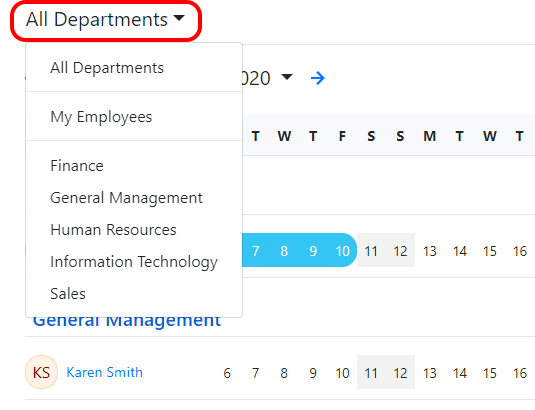
Use the drop-down to view just one department or the entire company.
You can also use the arrows to view the next or previous months:

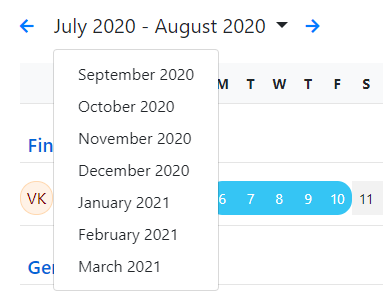
Or select a month from the months drop-down menu: