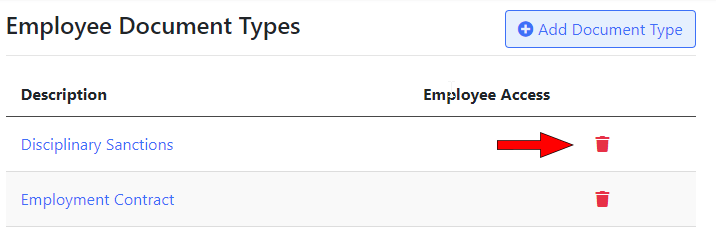
Employee Document Types
You can control what employee document types can be added, and allow employees to view their own documents for certain types.
Navigate to “Settings -> Document Types” to manage employee document types.
Adding a new employee document type
Click the “Add Document Type” button:

When adding a document type you can enter the following:
Description: The name of the document type. For example, “Employment Contract” or “Payslip”.
Give employees access to their own documents of this type: Check this to allow employees to access to their own documents of this type.
Deleting a document type
To remove a document type, click on the Trash icon next to it: