Viewing an employee's leave balances
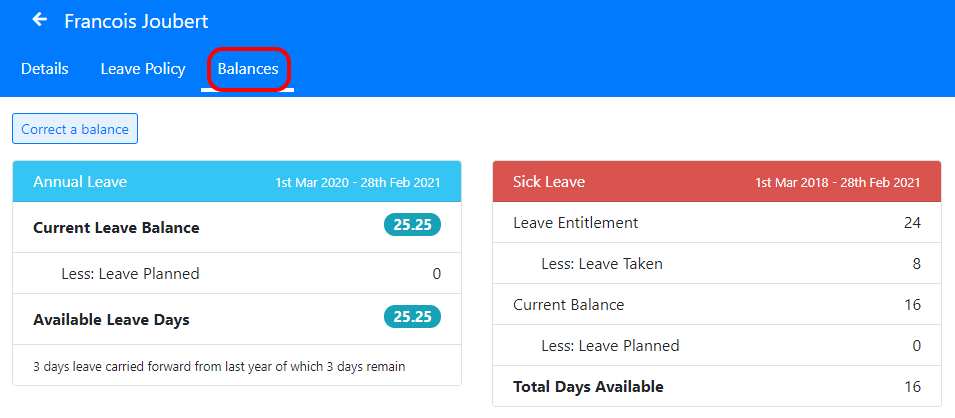
To view an employee’s leave balances go to the “Employees” screen and click on their name, then select the “Leave Balances” tab.
You’ll see a summary of their leave balances for each type of leave.
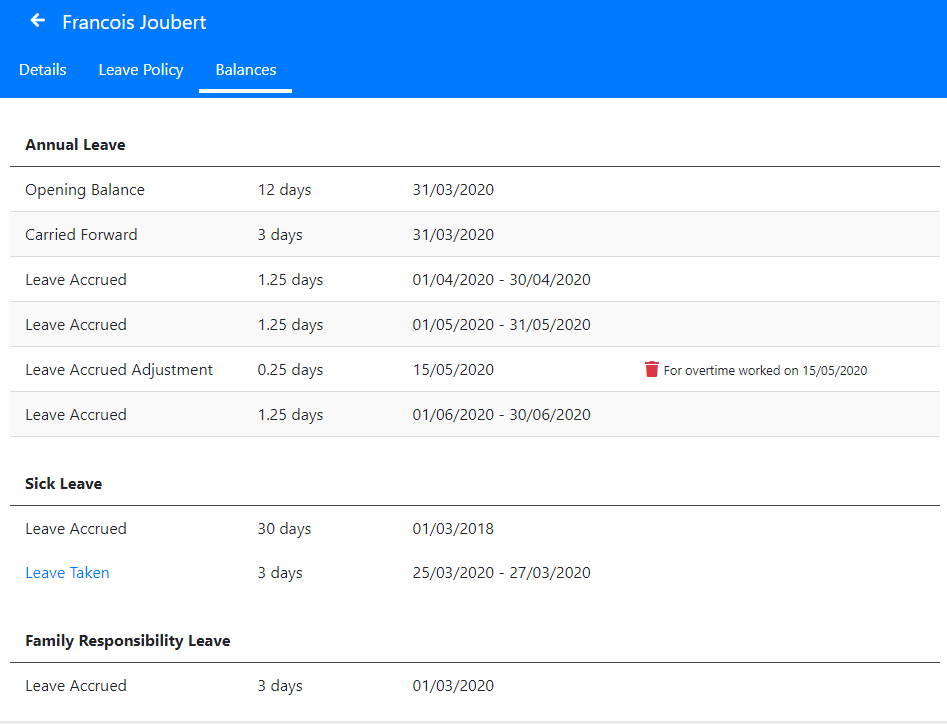
If you scroll down you’ll also see a break-down of how the leave balances in the current leave cycle were calculated.
This shows all leave carried forward, leave accruals, leave taken and any corrections an administrator has made to their balances.